
ZScaler offers an option for a health check or health reporting function the sends an unsolicited packet to the server when traffic is first detected. This packet can inject itself in the middle of the client-server handshake, causing the server to reject the connection because the packet does not contain the proper handshake data.
This issue can be validated in the StayLinkedManager.log file, which records incoming connection requests. The entry will show:
- Invalid request from DeviceIP:Port – '[empty udp packet]'
The option appears in the ZScaler configuration options as something like this:
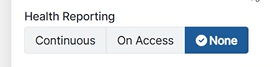
Be sure to disable this option for use with StayLinked.
One-to-One NAT Support
Any devices that are directed to an address that forwards packets to the StayLinked Server will require a One-to-One NAT entry. This simple configuration can be found in the Administrator under Server Configuration > Server Settings.
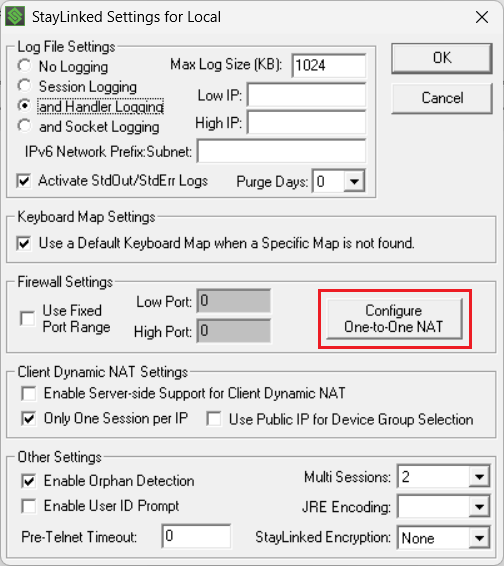
This requires two addresses in the dialogue, the address the devices are pointing to and the actual address of the StayLinked Server machine. The Server process will attempt to open a port on the address the devices connect to, if this is a router or appliance, the Server process will be unable to open a port on the remote address and the handshake will fail. This configuration allows the server to replace the Client's Server Address value with an address owned by the machine hosting StayLinked. This is required for any external connection that is utilizing port forwarding.
More details can be found HERE regarding customer network configurations.
Share the post "StayLinked use with ZScaler"