
The device distribution options allow for criteria to be set to determine which SmartBrowser devices are allowed to download the package.
Adding a Criterion
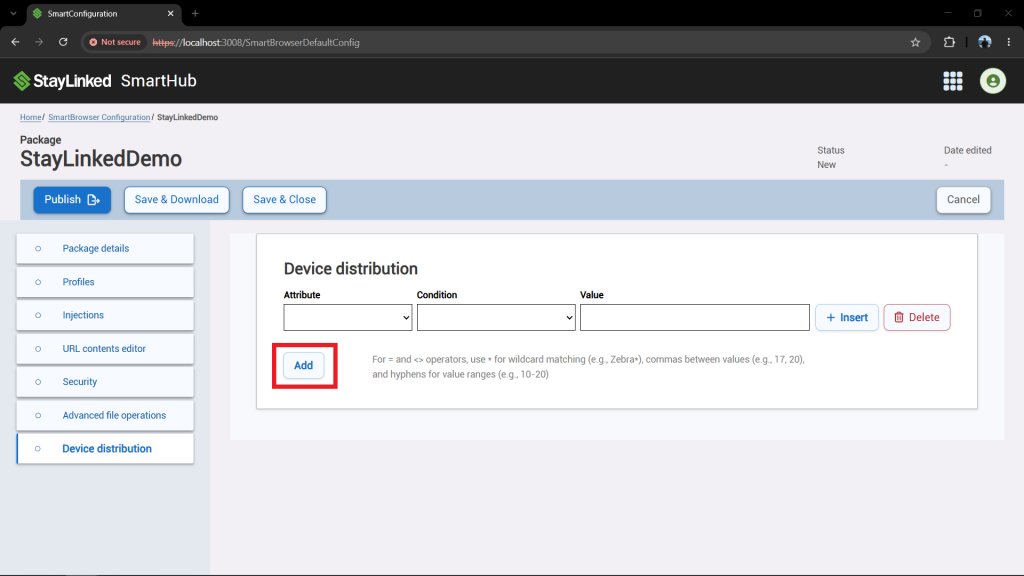
To insert a criterion at the bottom of the criteria list, select the 'Add' button located below the criteria list.
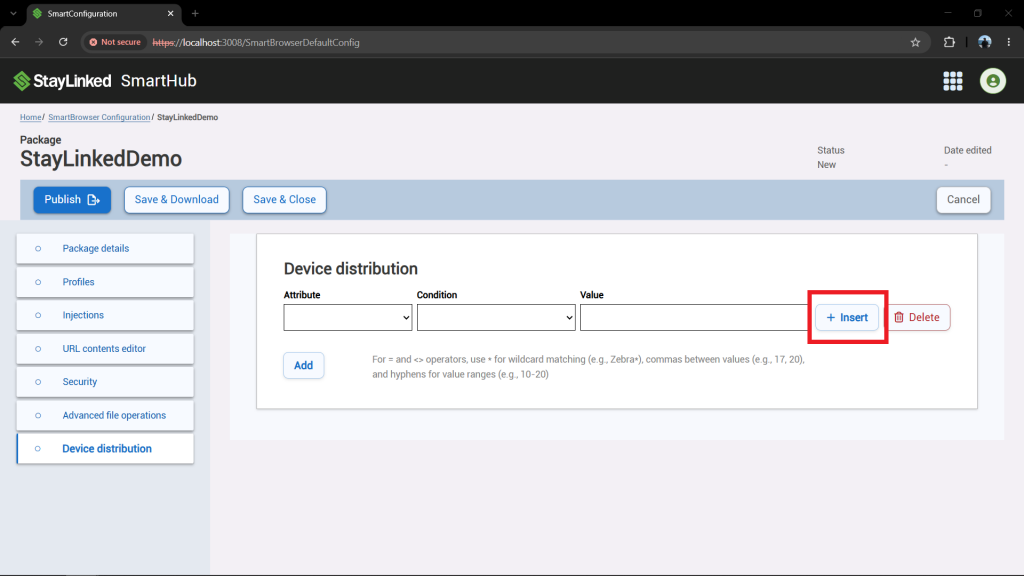
To add a new criterion above an existing one, select the 'Insert' button located to the right of the existing criterion.
Deleting a Criterion
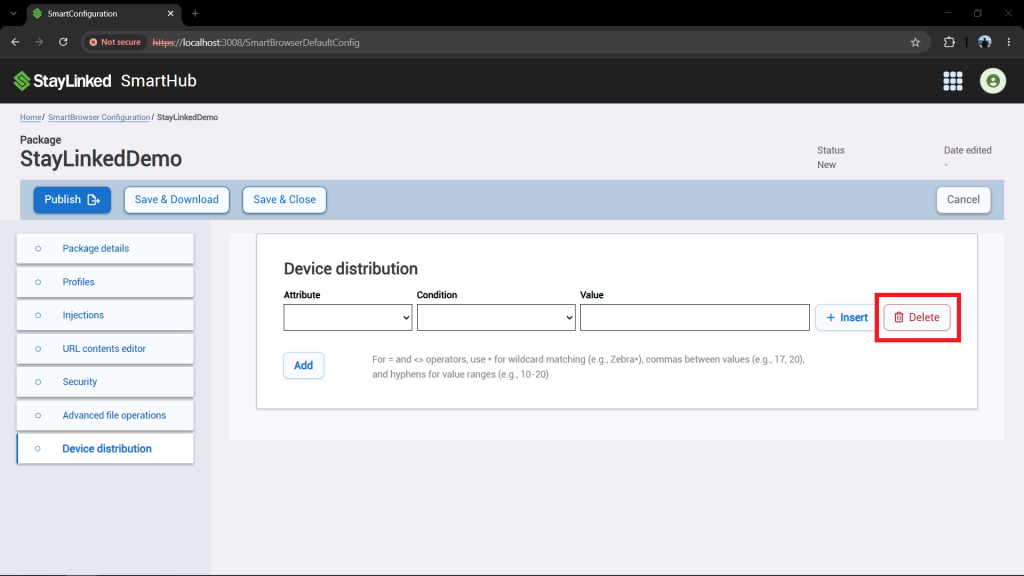
To delete a criterion, select the 'Delete' button to the right of the desired criterion.
Criterion Options
Each criterion is comprised of three parts: the attribute, condition, and value. The SmartBrowser device must match all criteria to download the package.
Attribute
Sets the property being evaluated. The options are OR, Android Version, Asset Tag, Local IP Address, Manufacturer, Model, and StayLinked Unique ID.
The OR attribute functions as an operator rather than an attribute. If the SmartBrowser device matches all criteria either above or below the "OR" attribute, the package will be available to the device.
Condition
Sets the operator that defines how the attribute relates to the value. The options are = (equals), <> (does not equal), < (less than), <= (less than or equals), > (greater than), and >= (greater than or equals).
Value
Sets the specific value being compared against.
When using the = and <> operators, use * for wildcard matching (e.g., Zebra*), commas between values (e.g., 17, 20), and hyphens for value ranges (e.g., 10-20).
Share the post "Device Distribution"