
In order to prevent standard users from manipulating the local settings on a mobile device, it is possible to change the administrator access code (password) in the Configuration Tool.
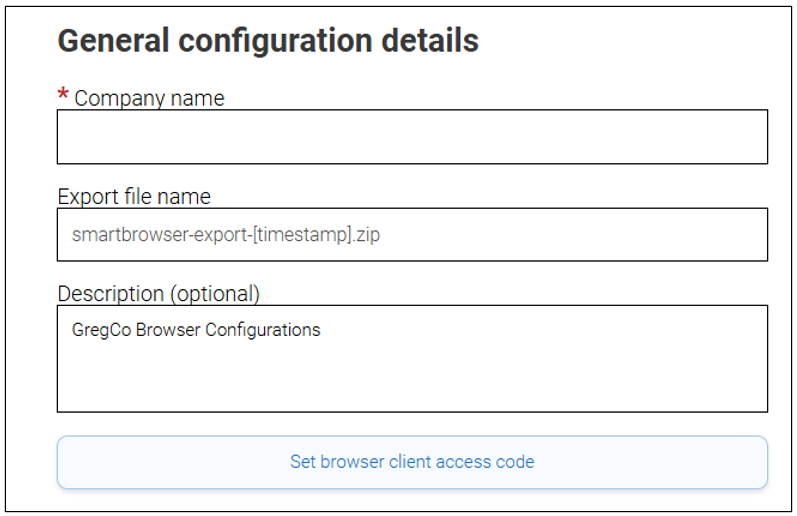
In the SmartBrowser Configuration Tool under the 'General' category, a 'Set browser client access code' button appears (shown below).
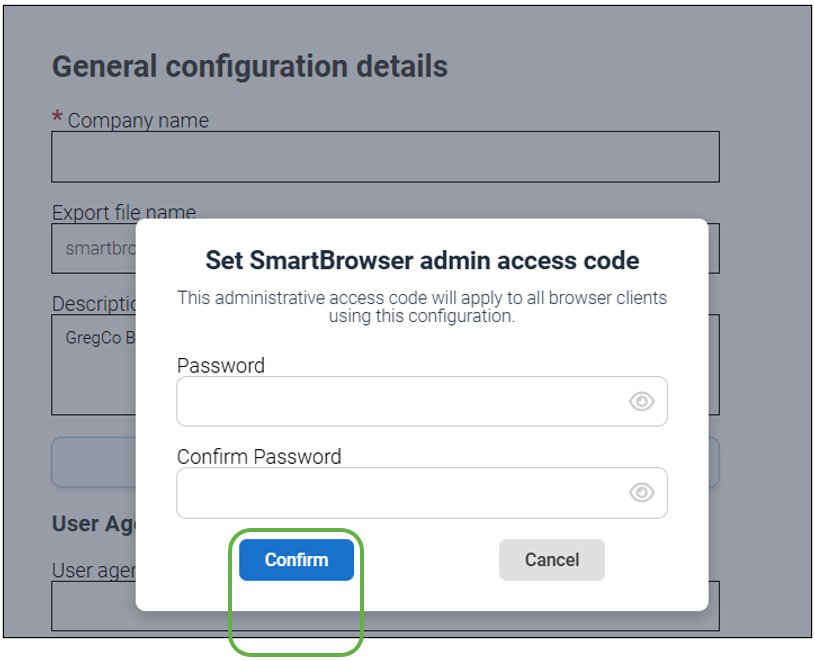
Enter the new access code twice and select 'Confirm'.
Share the post "Setting the SmartBrowser Admin Access Code"