
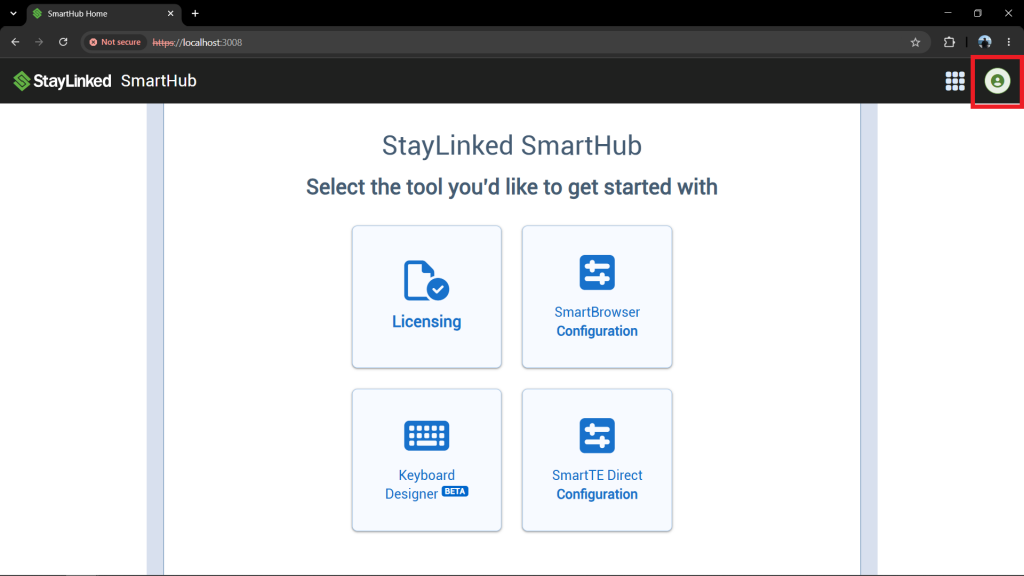
Start by selecting the profile icon in the top-right corner of the screen.
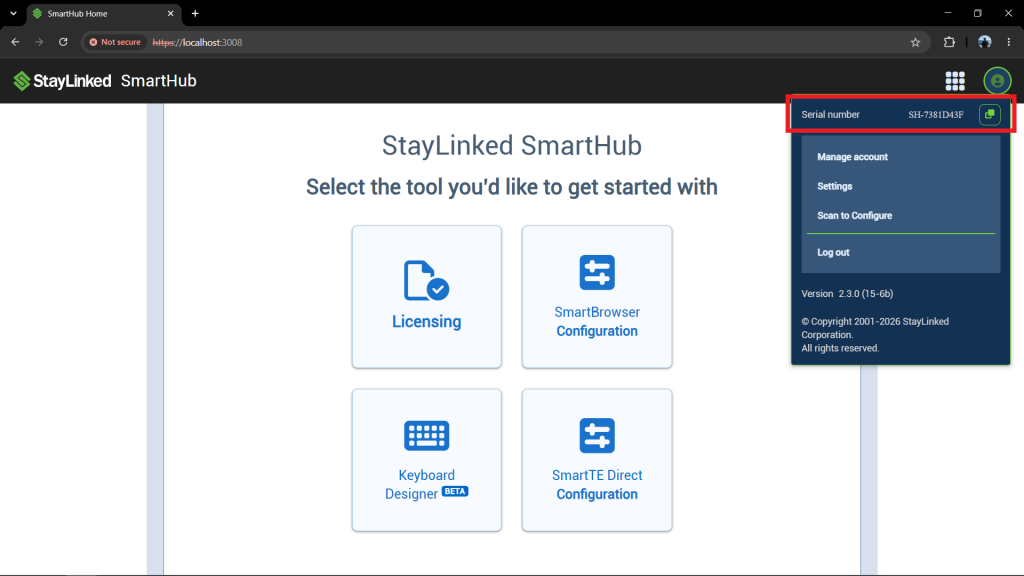
The pop-up admin menu will appear under the profile icon. The serial number is located at the top of this menu. To copy the serial number to the Windows Clipboard, select the copy icon to the right of the serial number.
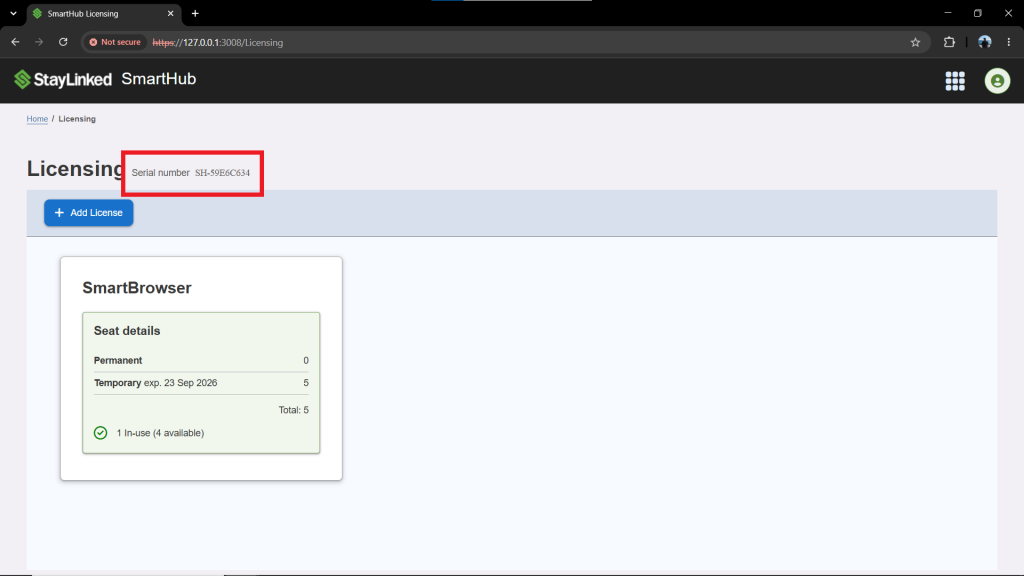
The SmartHub Serial number can also be found on the 'Licensing' page.
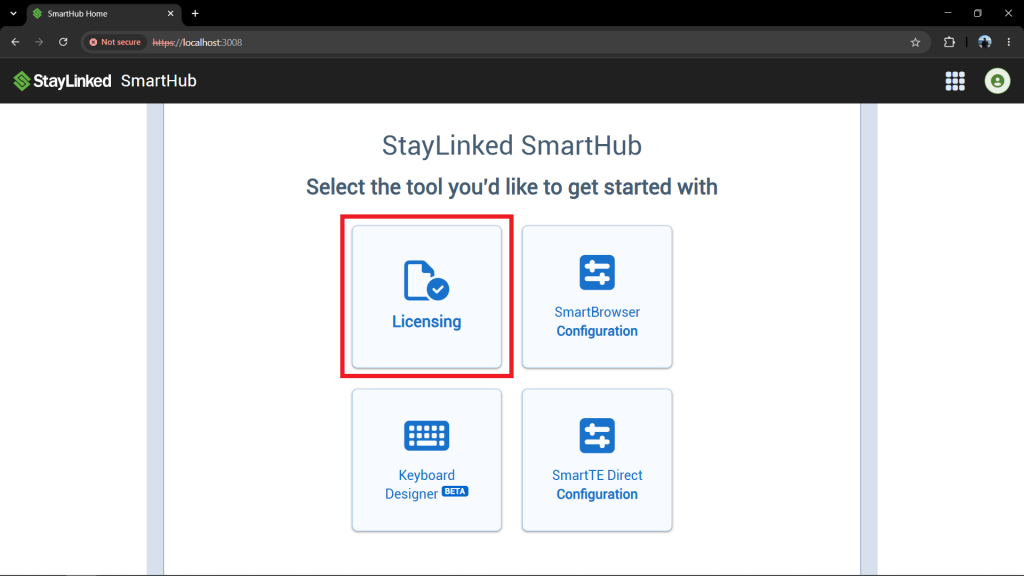
On the home page of SmartHub, select the 'Licensing' button in the center of the screen.
The serial number is located on the upper-left side of the screen.
Share the post "Identifying the SmartHub Serial Number"