
SmartBrowser clients support several on-screen tap and swipe gestures. These gestures provide the user with ways of navigating and viewing more efficiently
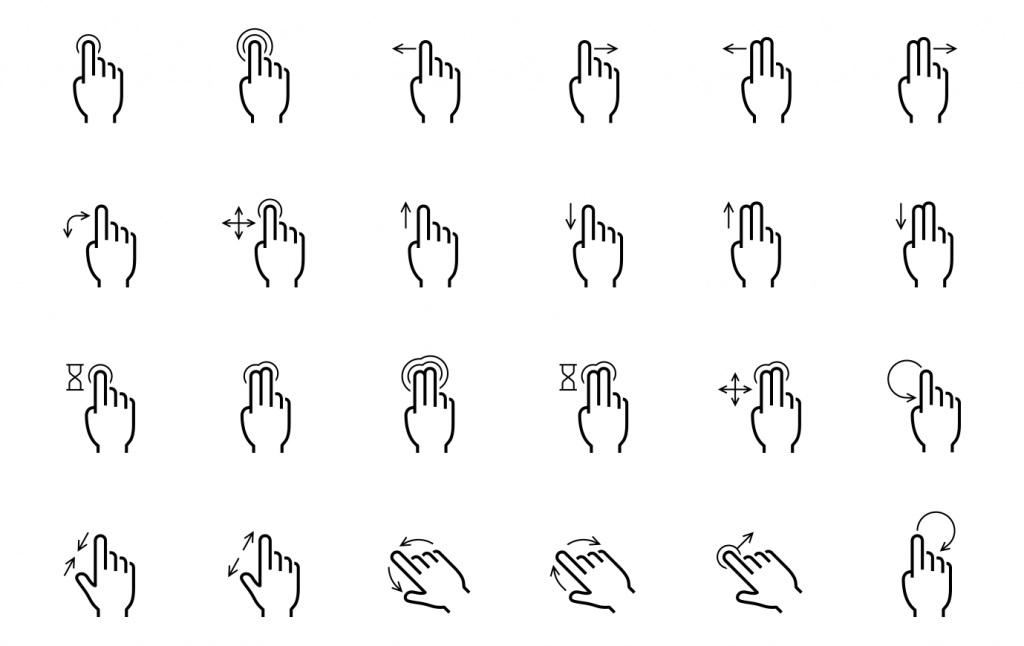
SmartBrowser supports the following gestures:
- Single tap – Standard selection
- Double tap – Reset/restore zoom to default
- Four taps (quattro-tap) – Open the Sessions menu
- Six taps – Open the Profiles Edit menu
- Eight taps (octo-tap) – No action (default)
- Long press – No action (default)
- Long press (copy/paste) – Available only if the WebView supports long-click actions (e.g., in text fields when
longClickable=true) - Pinch to zoom – Zoom in/out
- Pull down (when at top of page) – Refresh page
- Two-finger swipe left – Previous session
- Two-finger swipe right – Next session
Share the post "SmartBrowser Screen Gestures"